Build GIT using JavaScript? Is it possible!
Where can we utilize javascript array method in git operation

Let’s see how some basic git operation can be replicated using JavaScript array methods!
First one, being the most widely used git operation!
Git Command: git commit -m "Initial commit"
To add this commit to our array of git history we can utilize the push() function,

push():
What does it do: adds the specified elements to the end of an array and returns the new length of the array.
const gitHistory = [];
gitHistory.push({ id: 'a1b2', message: 'Initial commit' });
push() adds to an array.Git Command: git reset --soft HEAD~
To Undo the last commit we can run this command to do so, we can use pop method.

pop()
What does it do: removes the last element from an array and returns that element. This method changes the length of the array.
const gitHistory = ['Initial commit'];
gitHistory.push( 'Add Readme.md' );
console.log(gitHistory); // output: [ 'Initial commit', 'Add Readme.md' ]
gitHistory.pop()
console.log(gitHistory); // output: [ 'Initial commit' ]
pop() removes the last element, just like reset undoes the latest commit.Git Command: git log
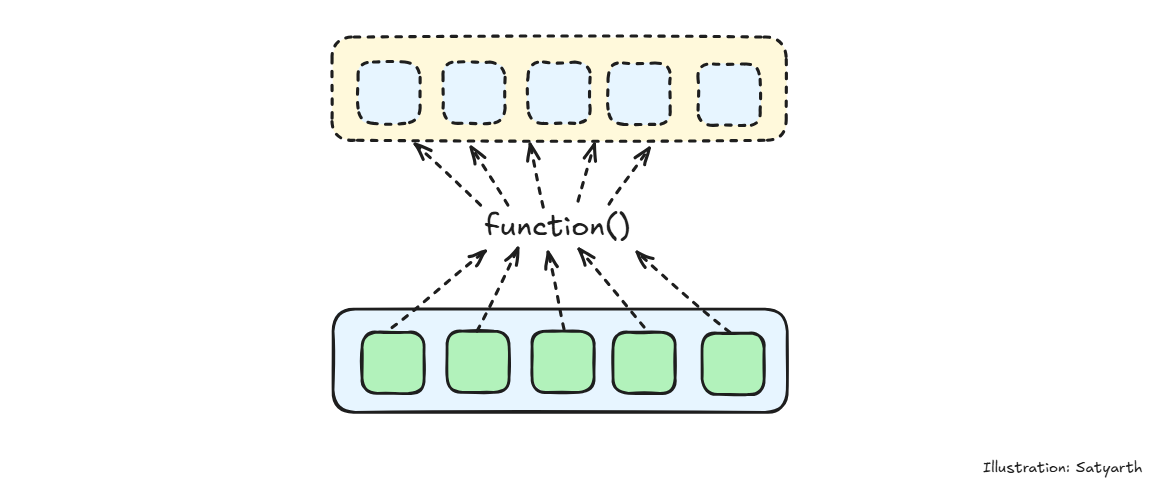
To display the commit history of a repository, we can use the for each method.
foreach()
What does it do: executes a provided function once for each array element.
const gitHistory = ['Initial commit','Add Readme.md' ,'Add Landing Page'];

gitHistory.forEach(element =>  console.log(element));

//Output:   Initial commit
//          Add Readme.md
//          Add Landing Page
forEach() iterates over arrays, just like git log traverses commit history.Git Command: git merge feature
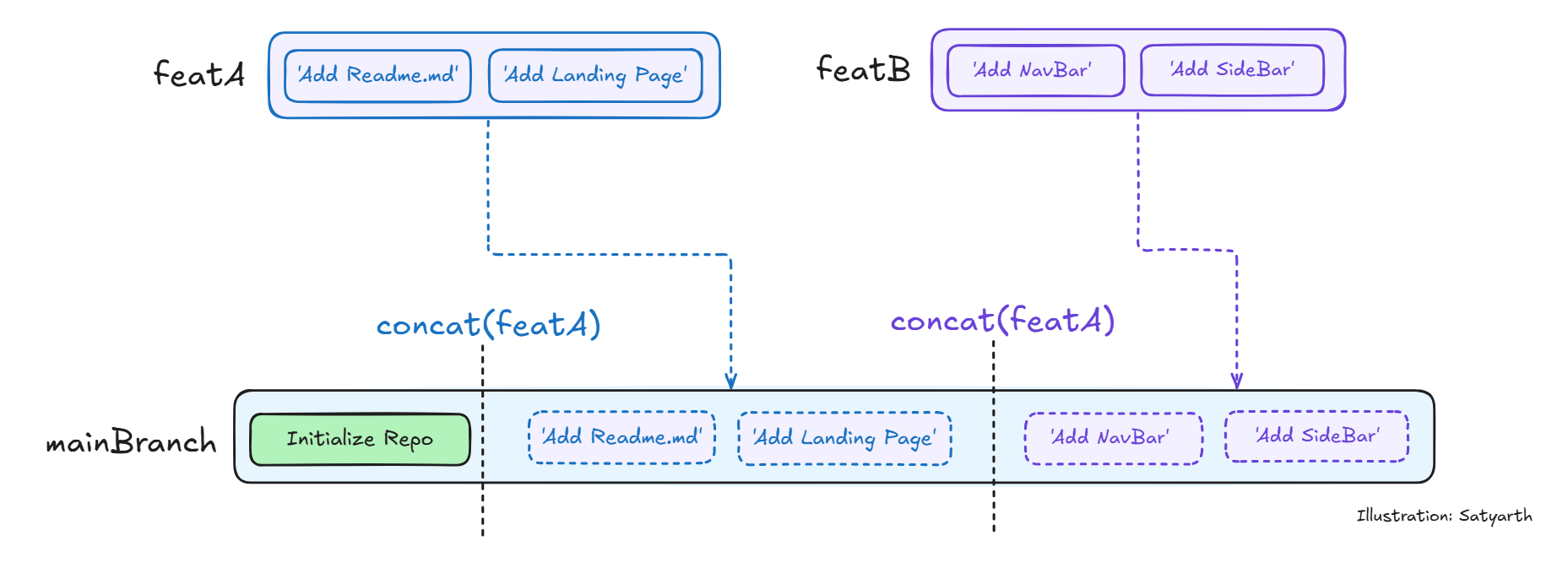
To combine the changes from the feature branch’s array into the main branch, we can use concat() method!
concat()
What does it do: merge two or more arrays.
let featureBranchA = ['Add Readme.md' ,'Add Landing Page'];
let featureBranchB = ['Add NavBar' , 'Add SideBar'];

let mainBranch = ['Intialized Repo'];
mainBranch= mainBranch.concat(featureBranchA);
mainBranch= mainBranch.concat(featureBranchB);

console.log(mainBranch);


// Output:   [
//   'Intialized Repo',
//   'Add Readme.md',
//   'Add Landing Page',
//   'Add NavBar',
//   'Add SideBar'
// ]
concat() merges two arrays, just like merging combines branches.Git Command: git merge feature
To combine the changes from the feature branch’s array into the main branch, we can use concat() method!
What does it do: merge two or more arrays.
let featureBranchA = ['Add Readme.md' ,'Add Landing Page'];
let featureBranchB = ['Add NavBar' , 'Add SideBar'];

let mainBranch = ['Intialized Repo'];
mainBranch= mainBranch.concat(featureBranchA);
mainBranch= mainBranch.concat(featureBranchB);

console.log(mainBranch);


// Output:   [
//   'Intialized Repo',
//   'Add Readme.md',
//   'Add Landing Page',
//   'Add NavBar',
//   'Add SideBar'
// ]
concat() merges two arrays, just like merging combines branches.